Best iPhone ADHD Apps for Adults (Ultimate Collection)

Contents·36
If you have ADHD, you know how challenging it can be to stay organized, focused, and productive. You may struggle with time management, procrastination, distraction, forgetfulness, impulsivity, or emotional regulation.
Fortunately, technology can help you overcome some of these difficulties and make your life easier. In this blog post, I will introduce you to the best iPhone ADHD apps for adults that can help you manage various aspects of your daily life.
I re-checked every app on this list in August 2026: ratings are current, and apps that stopped getting updates were removed. Prices change too often to print, so each entry notes how the app charges and the store listing has today's numbers. The one exception is my own app, whose price I control.
If you only have half a minute
Three picks, one per problem. The full list below is grouped by category if you want to browse properly.
- Structured if your day keeps evaporating. It turns your tasks into one visual timeline you can actually follow. Free to try.
- one sec if you keep losing hours to your phone. It makes you take one breath before a distracting app opens, and that pause is often enough. Free to try.
- Itemlist if you keep losing your things. Full disclosure, this one is mine: you photograph what you own, sort it into rooms and containers, and search for it later instead of trying to remember. Free to start.
Best Day Planner App:
Structured
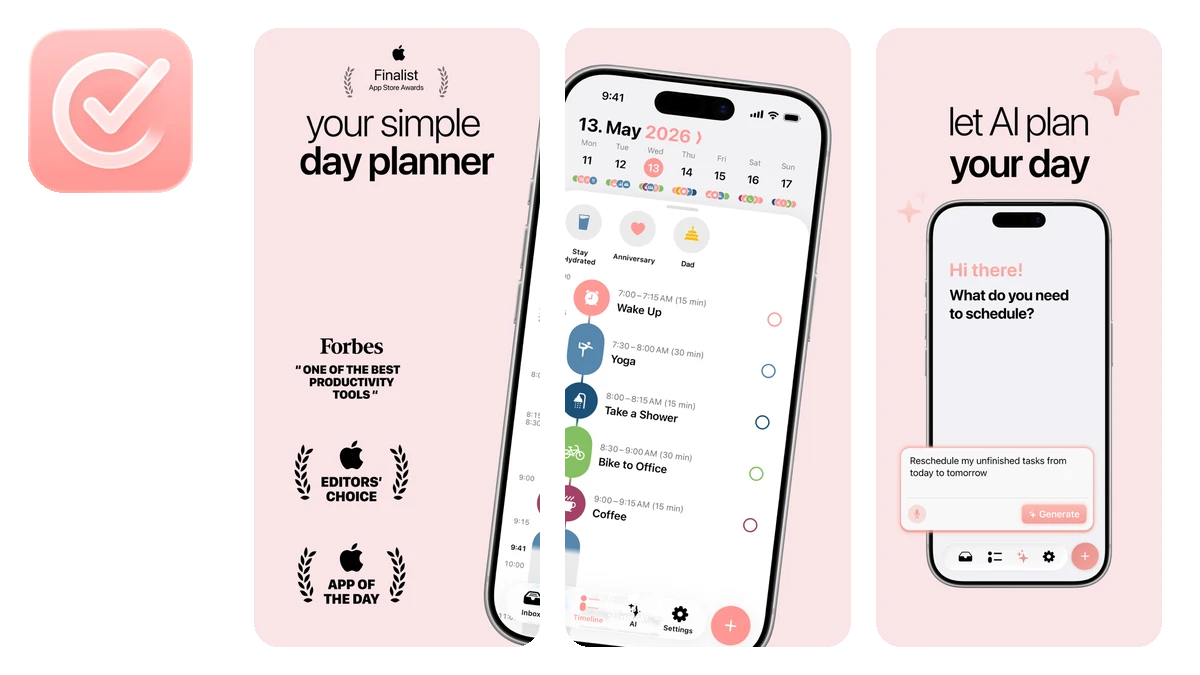
Structured Day Planner App
Structured is a helpful app for people with ADHD because it helps manage time and tasks in a visual way. With over 160,000 App Store ratings, it is easily the most popular app on this list.
Benefits:
- Structured allows you to create a visual timeline of your daily plans. It can improve your productivity, motivation, and self-esteem.
- You can schedule and track your activities, appointments, reminders, and breaks in a simple and intuitive way.
- You can adjust your timeline as you go and check off what you finished.
- You can sync your timeline with your calendar, and it integrates with one sec to keep distracting apps out of your focus blocks.
US store rating: 4.8
Has iPad support: yes
Price: Free to download, paid upgrade available
Best Home Inventory App:
Itemlist
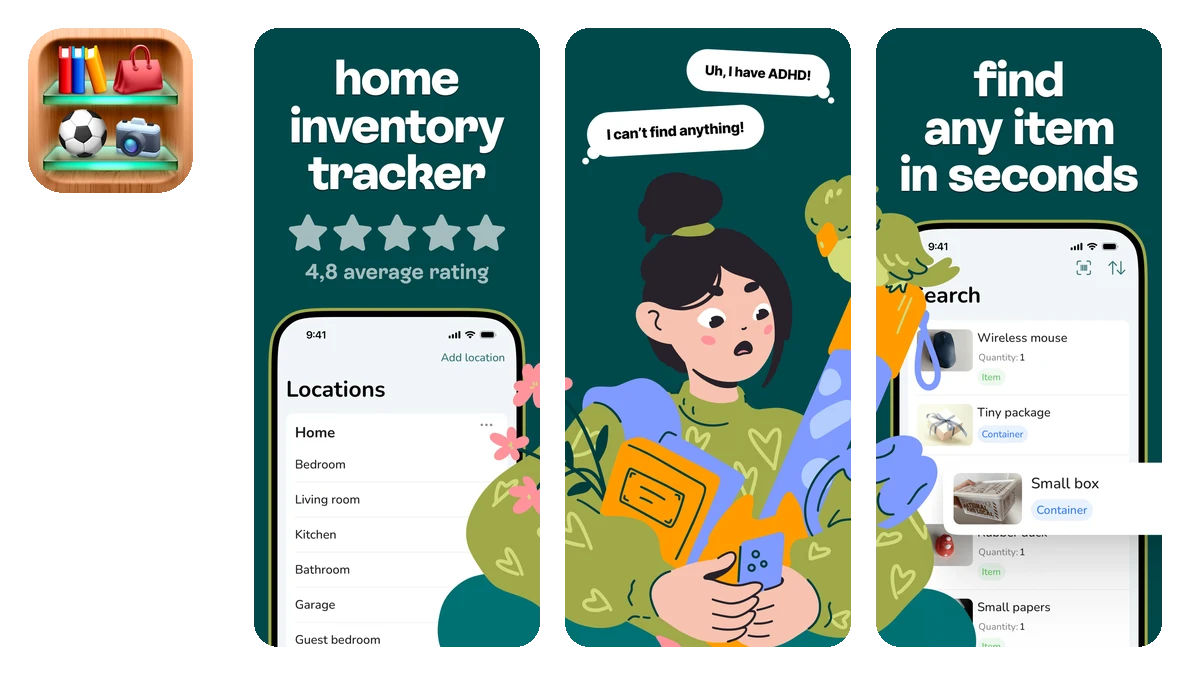
Itemlist Home Inventory App
Full disclosure first: Itemlist is my app. It is on this list because losing things is one of the most expensive ADHD problems there is, and a home inventory is the fix that does not depend on your memory.
Itemlist lets you give every item a photo and a place: locations, rooms, containers, and containers nested inside containers, the way your home is actually organized. Once a lid closes, a box full of things becomes just a box; I wrote about that mechanism in why things stop existing once the lid goes on.
Benefits:
- Search finds your things by name, notes, brand, retailer, or serial number, so "where is it" takes seconds instead of an afternoon of opening boxes.
- Photos on items and containers let you check what is inside a box without taking it off the shelf.
- It works offline and syncs across your iPhone and iPad.
- On the Pro plan, you can share a location with your household, and one subscription covers everyone in it.
- If you ever need to prove what you own to an insurer, you can export your items and containers to a CSV file for free.
US store rating: 4.7
Has iPad support: yes
Price: Free to start / $29.99 per year / $59.99 lifetime
Best Notes Apps:
Using a notes app can help you organize your thoughts, ideas, projects, and goals in a clear and structured way. They can help you unleash your creativity and easily express yourself.
Bear
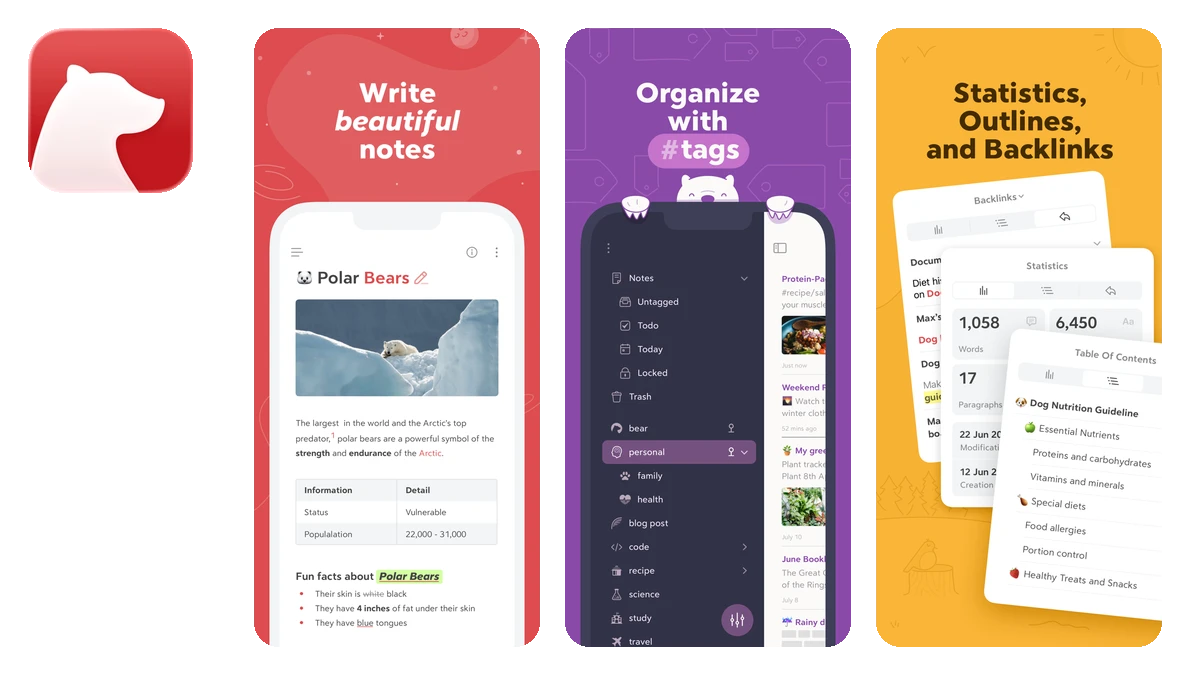
Bear Notes App
Bear helps you write and organize your notes in a simple yet powerful way.
Benefits:
- Bear lets you write in Markdown, which is a plain text format that can be easily converted to HTML, PDF, or other formats. Markdown is ideal for people with ADHD because it reduces distractions and helps you focus on the content of your writing.
- You can organize your notes using nested tags, which are like folders but more flexible and intuitive. You can create hierarchies of tags, search for notes by tags, and drag and drop notes to different tags.
- You can also add files, images, links, code blocks, and other elements to make your notes more rich and expressive.
US store rating: 4.7
Has iPad support: yes
Price: Free to download, paid upgrade available
Minimal
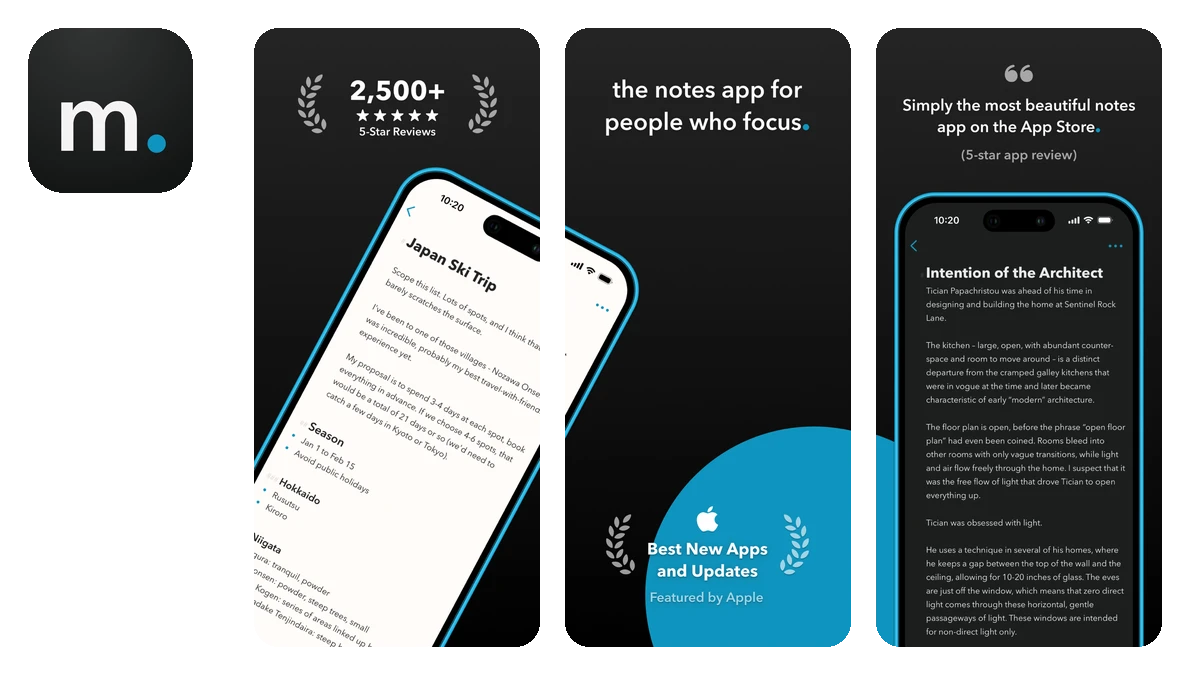
Minimal Notes App
Minimal is a helpful app for people with ADHD because it helps you write and manage your notes in a simple and elegant way.
Benefits:
- The simple design helps you focus on writing notes.
- Minimal lets you set a Note Lifetime, so notes are automatically archived after a period you choose. This feature is useful for people with ADHD because it helps you keep your notes list fresh, organized, and relevant to the present.
- You can collaborate on notes with friends, family, and teammates.
US store rating: 4.7
Has iPad support: yes
Price: Free to download, paid upgrade available
Email Me
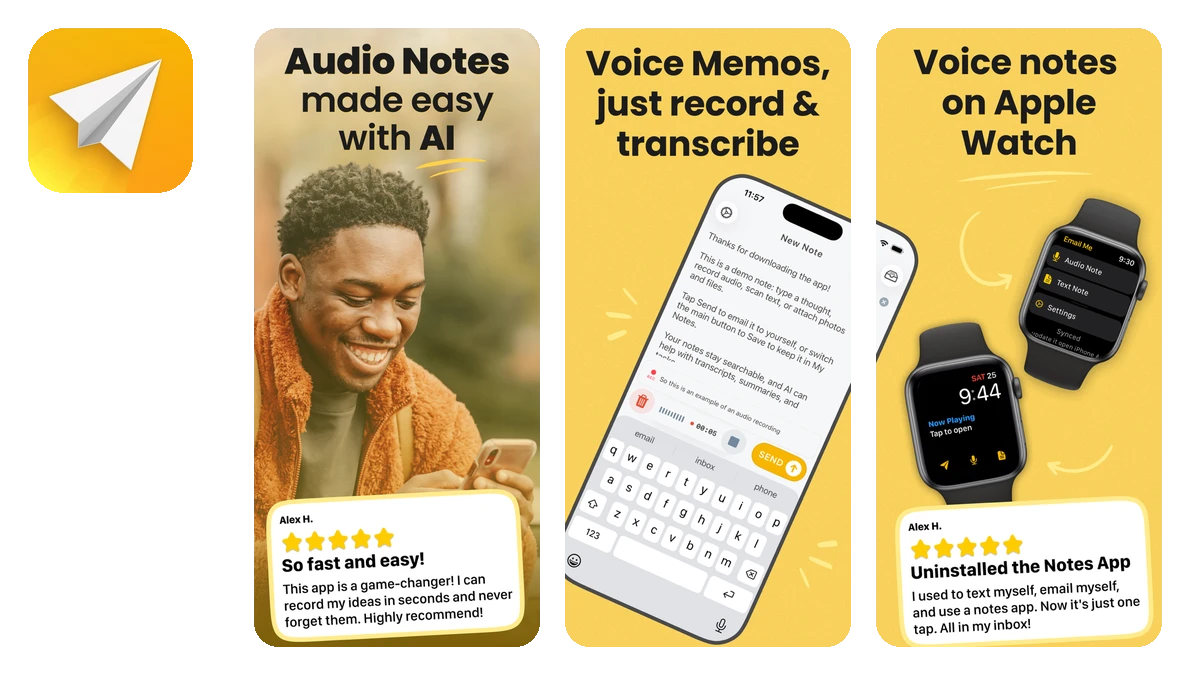
Email Me App
Email Me (now listed as Audio Notes | Email Me on the App Store) is a handy app for people with ADHD because it helps you take notes quickly and send them to your email.
Benefits:
- Email Me lets you create notes with just one tap and send them to your email address or any other recipient you choose.
- You can use Email Me to capture your thoughts, reminders, to-do lists, or anything else you need to remember or follow up on later.
- You can send notes via the Share Sheet from other apps.
- You can also use Siri to send notes hands-free.
US store rating: 4.8
Has iPad support: yes
Price: Free to download, paid upgrade available
NotePlan
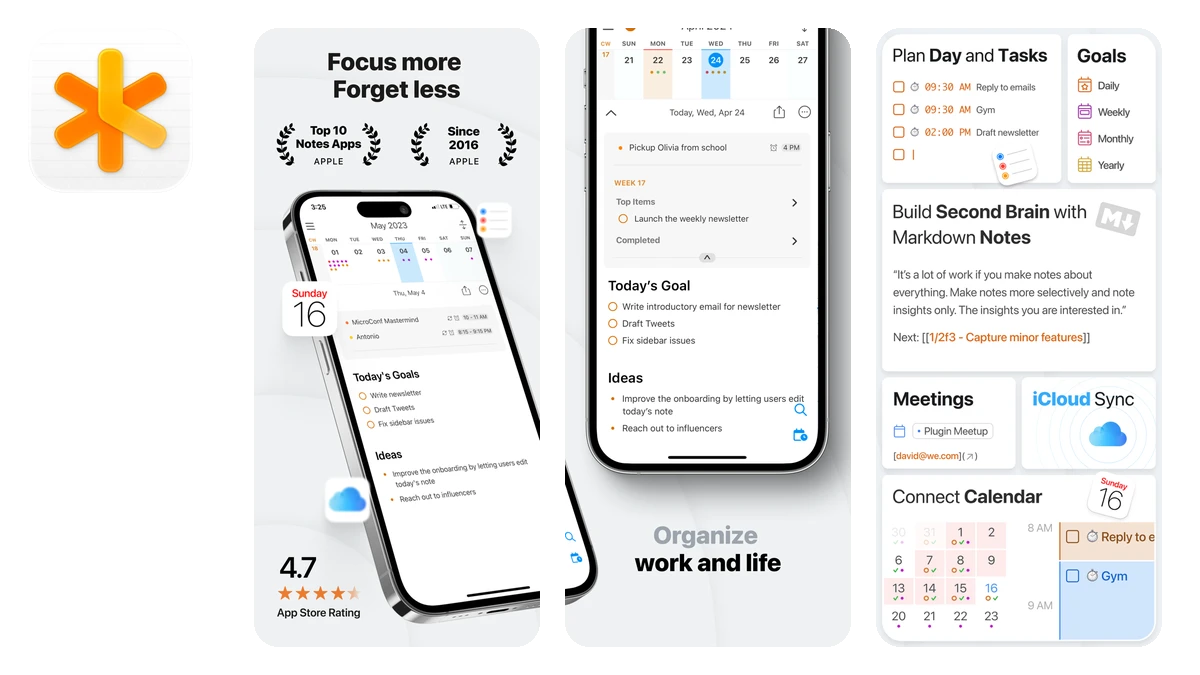
NotePlan App
NotePlan is a great app for people with ADHD because it combines notes, a day planner, and a calendar in one place.
Benefits:
- NotePlan helps you reduce the number of apps you need to use, which can help you avoid distractions and stay focused on your priorities.
- You can create notes for your daily, weekly, or monthly plans, and link them to your calendar events.
- You can use Markdown syntax to format your notes, add tasks, checklists, reminders, and tags.
US store rating: 4.8
Has iPad support: yes
Price: Free to download, paid upgrade available
Best Habit Tracker App:
HabitKit
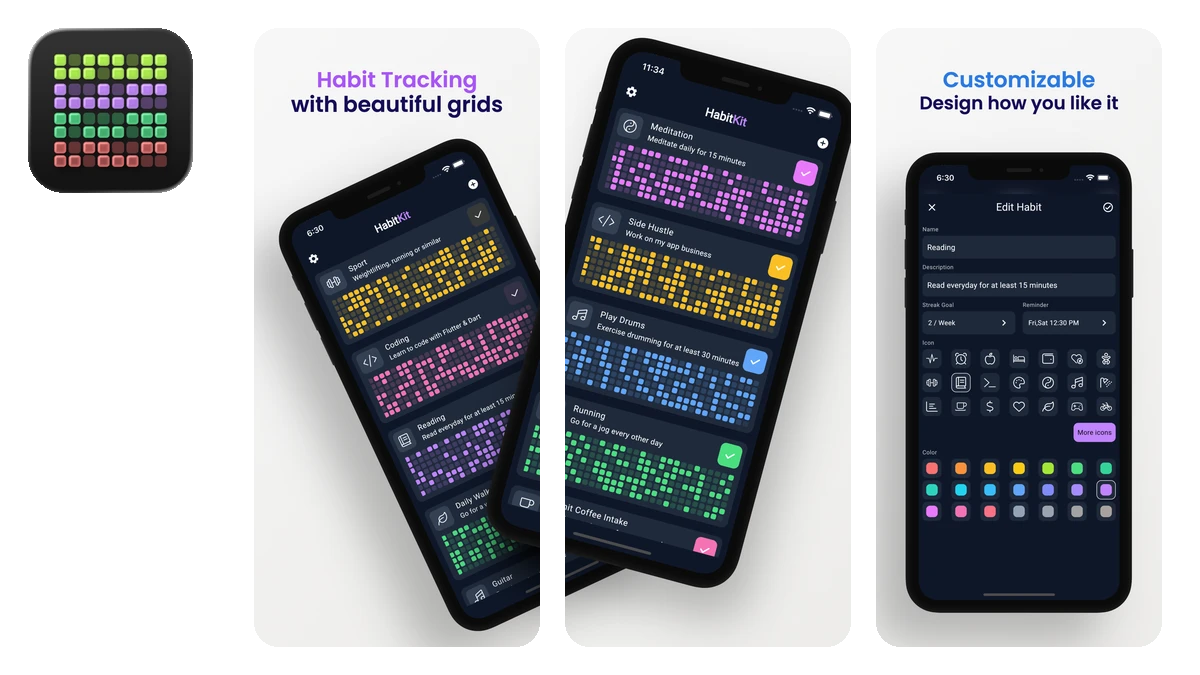
HabitKit Habit Tracker App
HabitKit is a great app for people with ADHD because it helps you build new habits by tracking your progress in awesome tile-based grid charts. It keeps you motivated to fill all the squares.
Benefits:
- HabitKit lets you create custom habits that suit your needs and preferences. For example: reading, exercising, meditating, or anything else you want to improve.
- You can view your habit history in beautiful charts, which can show you how far you have come and what areas need more attention.
- Your data stays on your device, and there is no account to create before you can start tracking.
US store rating: 4.9
Has iPad support: no
Price: Free to download, paid upgrade available
Best Focus Timer Apps:
Focused Work
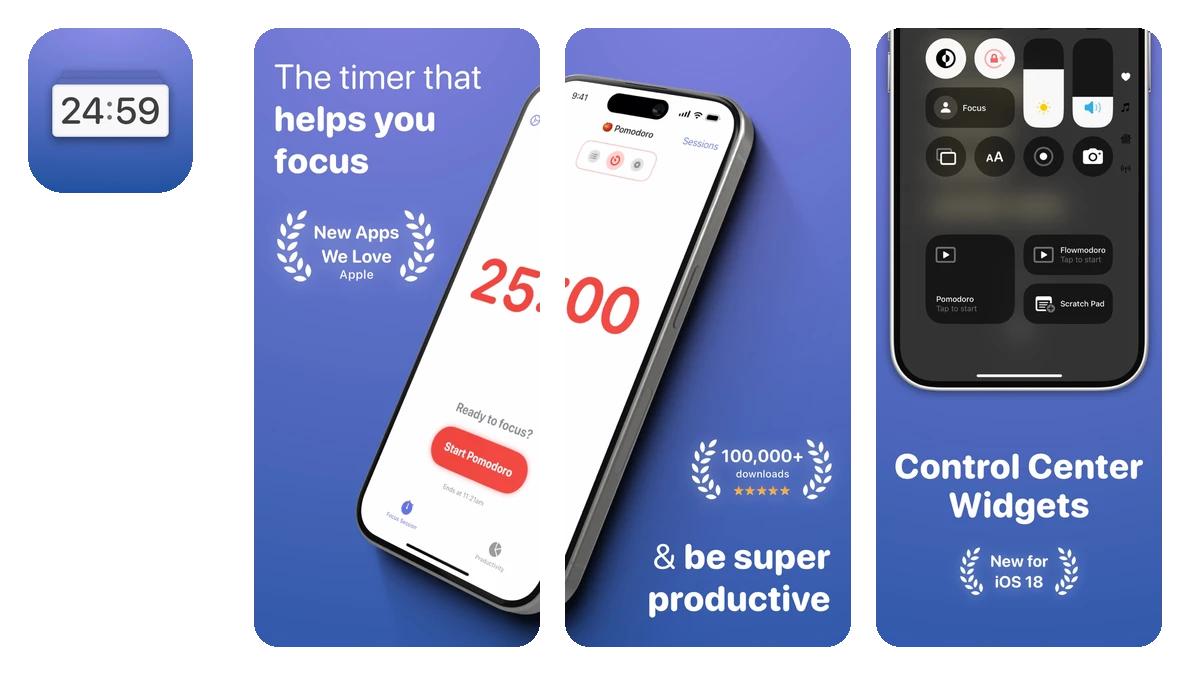
Focused Work App
Focused Work is a great app for people with ADHD because it helps you stay focused and productive.
Benefits:
- Focused Work allows you to design your own Focus Sessions. You can choose the duration, the tasks, and the breaks.
- You can track your progress and achievements by setting daily focus goals.
- You can avoid interruptions and temptations by blocking apps and websites that distract you during your Focus Sessions.
- You can also set up reminders and notifications to keep you on track.
US store rating: 4.7
Has iPad support: yes
Price: Free to download, paid upgrade available
Focus
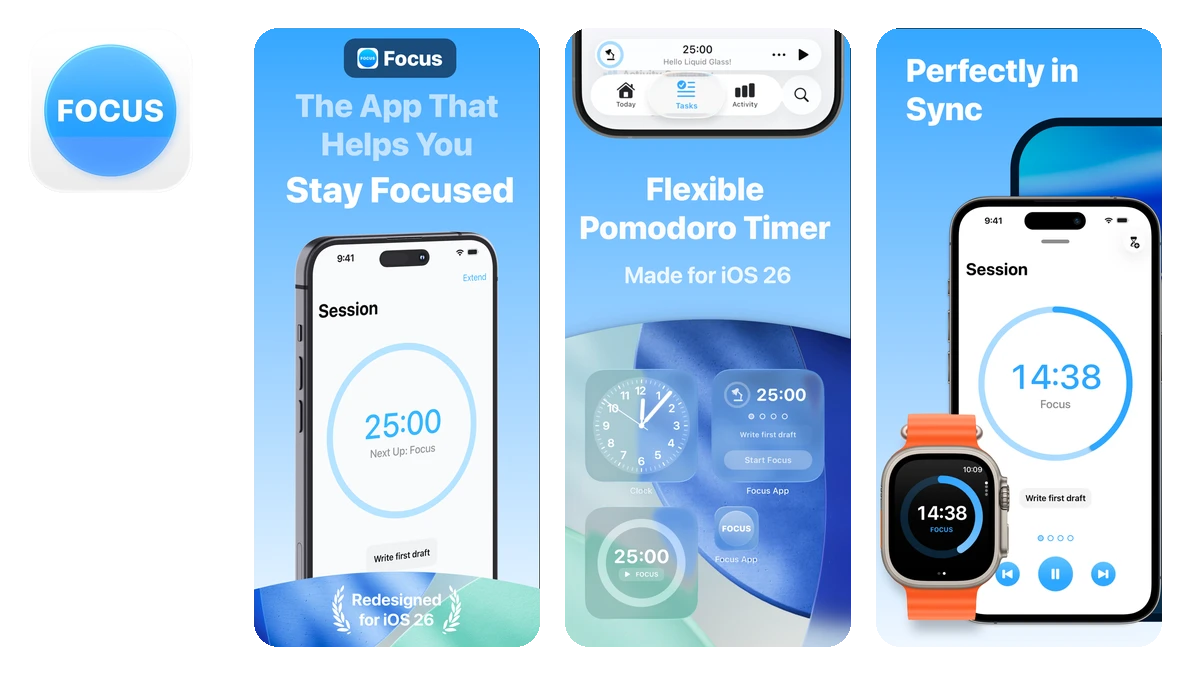
Focus App
Focus is another great focus timer app alternative.
Benefits:
- Focus uses the Pomodoro technique, which is a method of breaking down your work into short intervals of 25 minutes, followed by a 5-minute break. This can help you avoid distractions, improve your concentration, and reduce stress.
- Focus keeps track of your work sessions and shows you in-depth and motivating statistics.
- You can see how much time you spent on different tasks, how many Pomodoros you completed, and how your focus time changed over time.
US store rating: 4.4
Has iPad support: yes
Price: Free to download, paid upgrade available
Time’s Up!
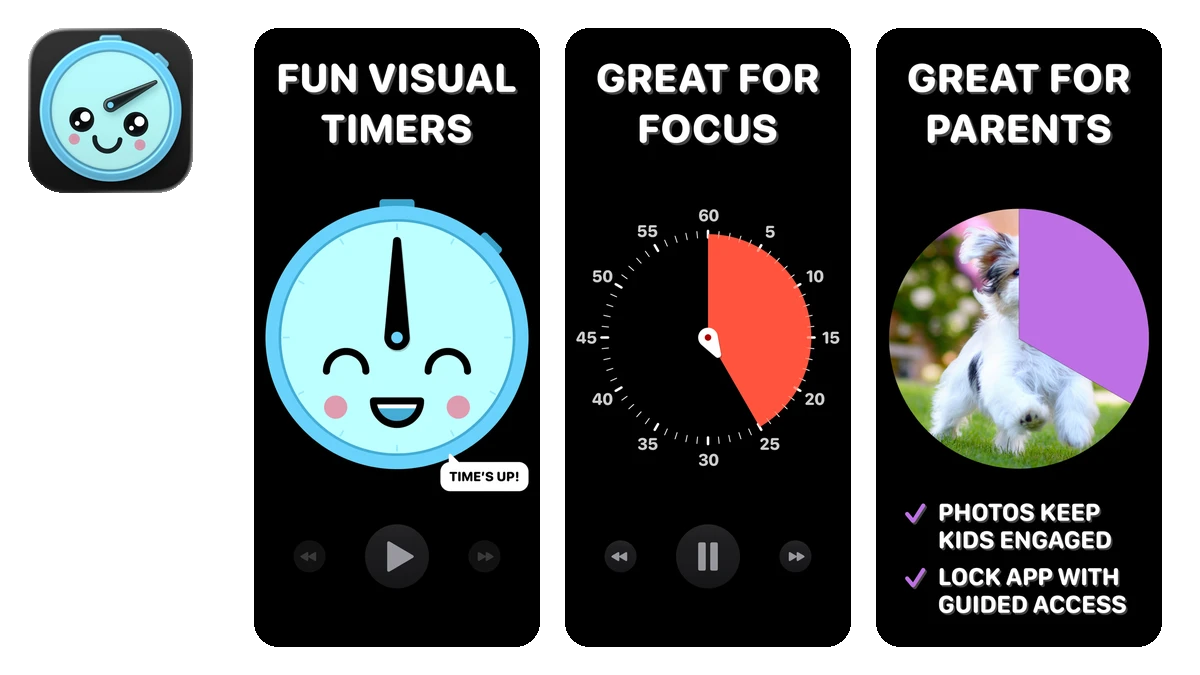
Time’s Up! Timers App
Time’s Up! is a fun alternative timer app with cute visual countdown timers.
Benefits:
- Time’s Up! lets you choose from a range of fun styles for your timers.
- You can use photos of your kids and pets as timers.
US store rating: 4.6
Has iPad support: yes
Price: Free to download, paid upgrade available
Timelines
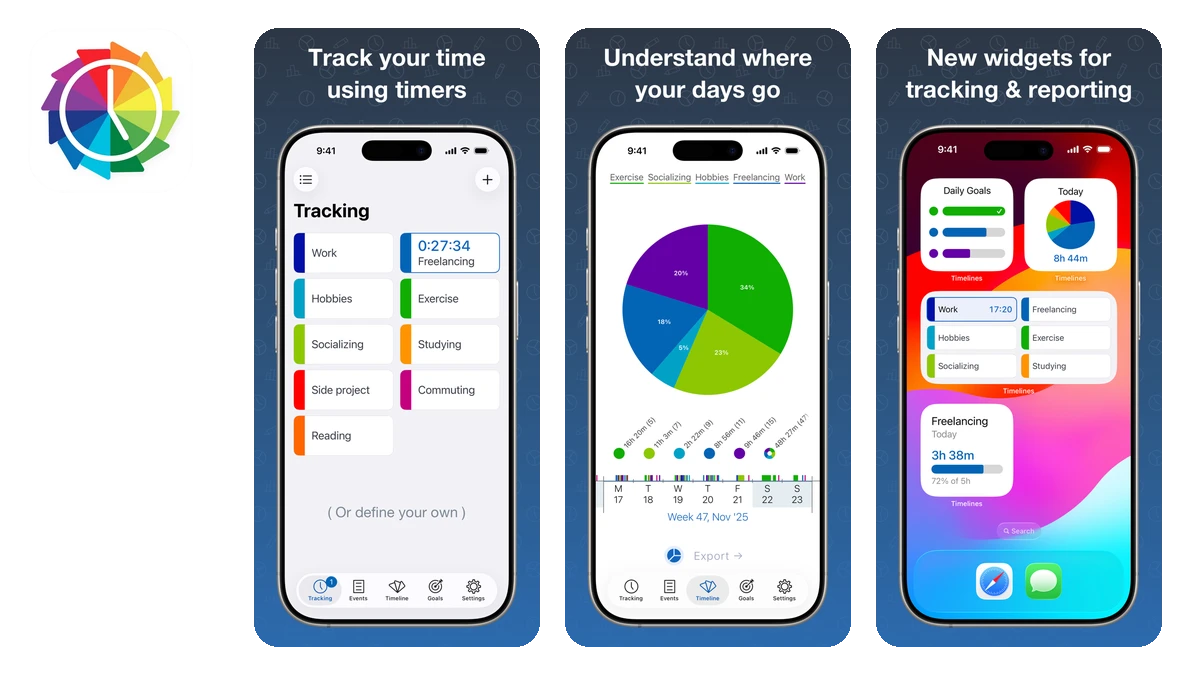
Timelines Time Tracking App
Timelines is a great app for people with ADHD because it helps track, analyze, and improve how you spend your time in a day.
Benefits:
- Timelines allows you to track different activities, such as work, leisure, side projects, or exercise.
- You can view detailed graphs and statistics:
- how much time you spent on each activity
- at what times of day you do each activity
- how your habits changed over time
- You can export your data as CSV or PDF files. This can be very useful for freelancers who need to invoice their clients or report their hours.
US store rating: 4.8
Has iPad support: yes
Price: Free to download, paid upgrade available
Best Journal App
Everlog
Everlog Journal App
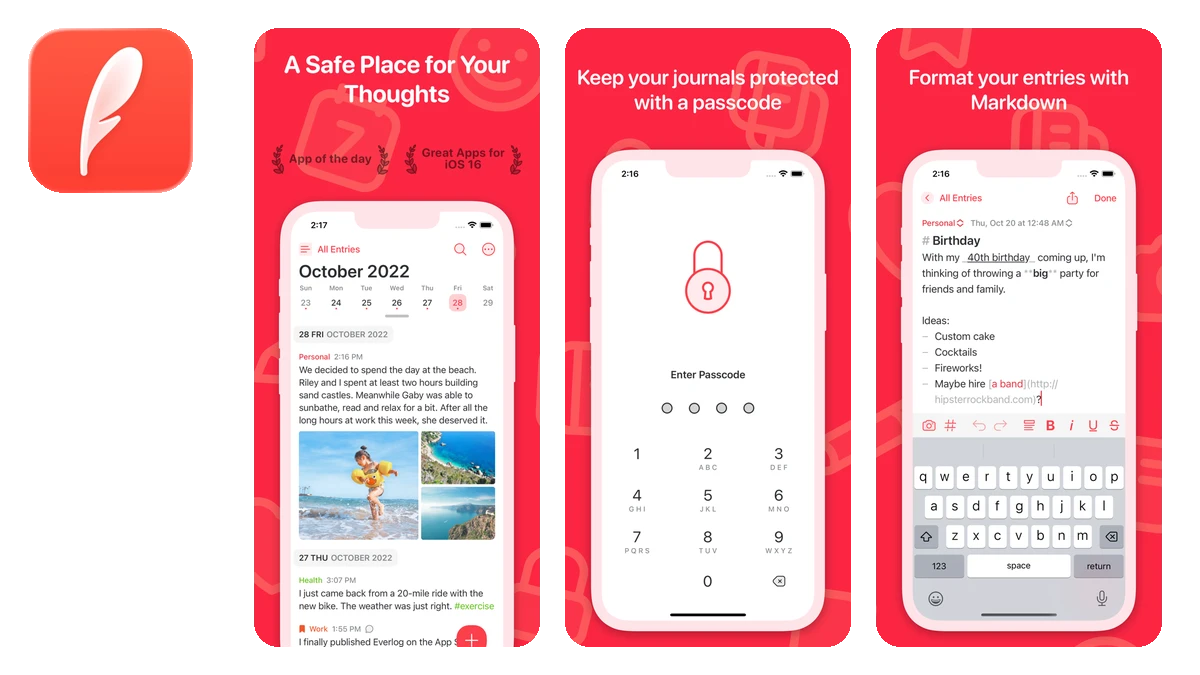
Everlog is a lightweight journal app that lets you record your thoughts, feelings, and experiences in a simple and elegant way.
Benefits:
- Everlog supports markdown, which means you can format your entries with headings, lists, links, and more.
- You can organize your entries by journals and tags, which can help you find and review them later.
- You can add photos to your entries to make them more vivid and memorable.
US store rating: 4.6
Has iPad support: yes
Price: Free to download, paid upgrade available
Best Project Management App:
Tasks
Tasks Project Management App
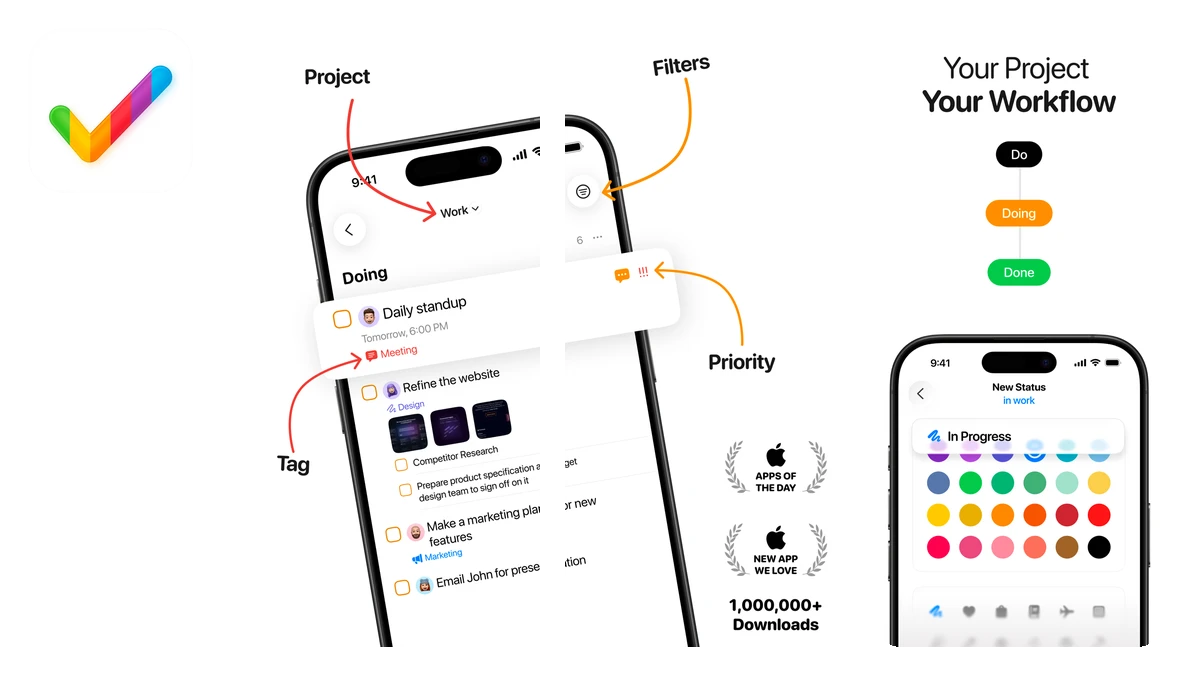
Tasks is a powerful app for people with ADHD because it helps manage, organize, and track your daily tasks and projects in a simple and intuitive way.
Benefits:
- Tasks lets you create to-do lists and Kanban boards that show the progress and status of your tasks. It can improve your productivity, motivation, and accountability.
- You can categorize and prioritize your tasks by using tags, projects, and priorities.
- You can add notes, subtasks, and recurring reminders to tasks.
- You can also filter and sort your tasks by various criteria to focus on what matters most.
- You can collaborate on projects with other people.
US store rating: 4.6
Has iPad support: yes
Price: Free to download, paid upgrade available
Best Mind Mapping App:
MindNode
MindNode Mind Mapping App
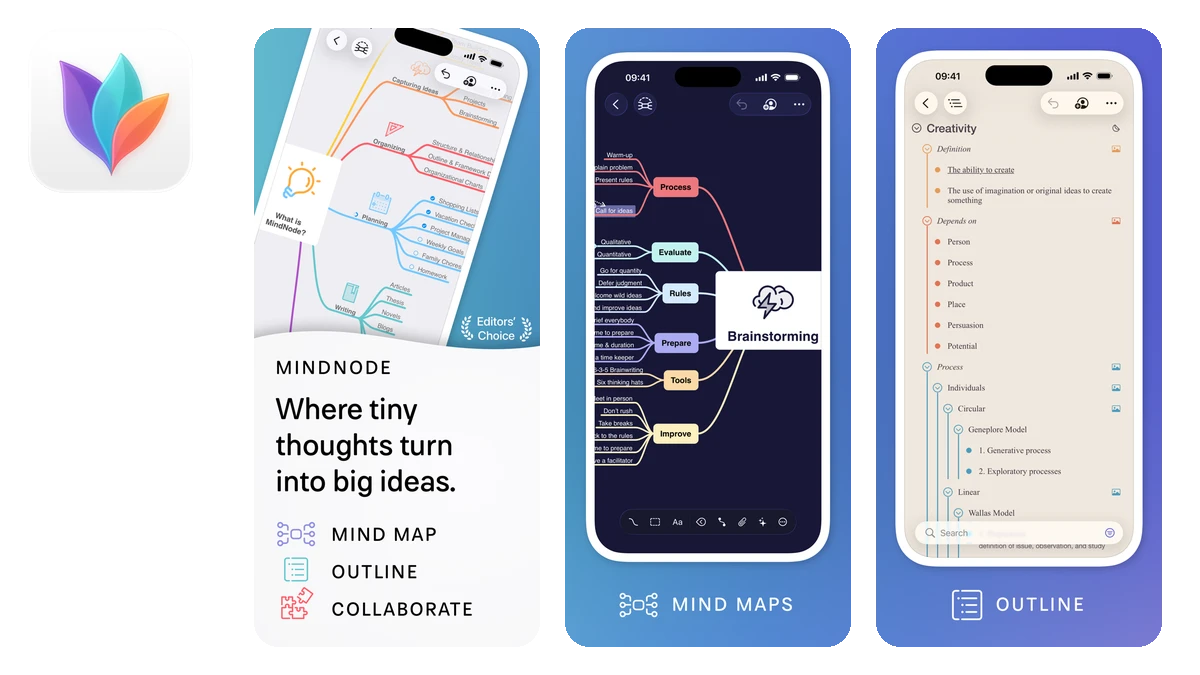
MindNode is a useful app for people with ADHD because it helps capture, organize, and visually share thoughts. The current app is MindNode: Mind Map & Outline, the successor to the classic MindNode app, which is still around for existing users but no longer shows up in App Store search.
Benefits:
- MindNode allows you to create mind maps that show the connections and relationships between your ideas. It can improve your focus, memory, and creativity.
- You can plan and outline your projects, tasks, or goals in a clear and structured way.
- You can express yourself and communicate your vision by adding files, images, stickers, emojis, notes, and tags to your mind maps.
US store rating: 4.6
Has iPad support: yes
Price: Free to download, paid upgrade available
Best Reminders App:
Using a reminders app can help you get things done without needing to remember everything you need to do. They can help you stay on track with your goals and deadlines, and avoid forgetting important things.
Mindr
Mindr Reminders App
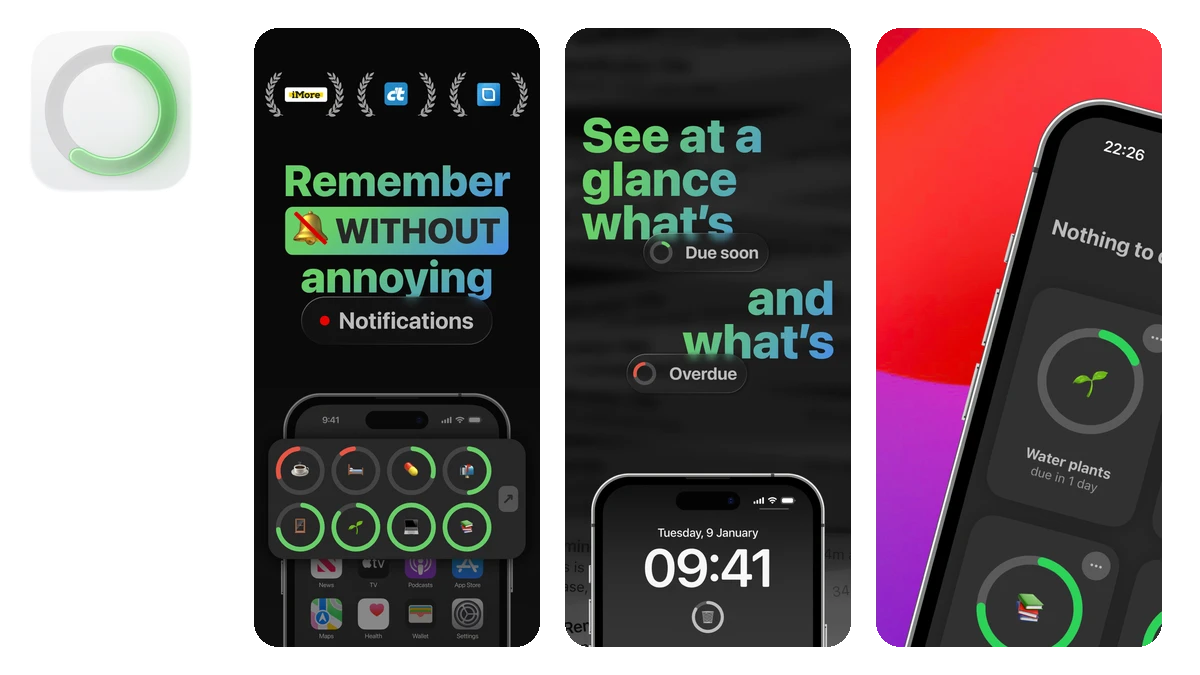
Mindr (listed as Reminder Widget by Mindr) is a powerful app for people with ADHD because it helps you get things done without distracting you.
Benefits:
- Mindr lets you create widgets that show the time remaining until your tasks are due and how long they’ve been overdue. This gives you visual feedback on timing and urgency, which can motivate you to take action and avoid procrastination.
US store rating: 4.6
Has iPad support: yes
Price: Free to download, paid upgrade available
Best for Stopping Social Media Addiction
one sec
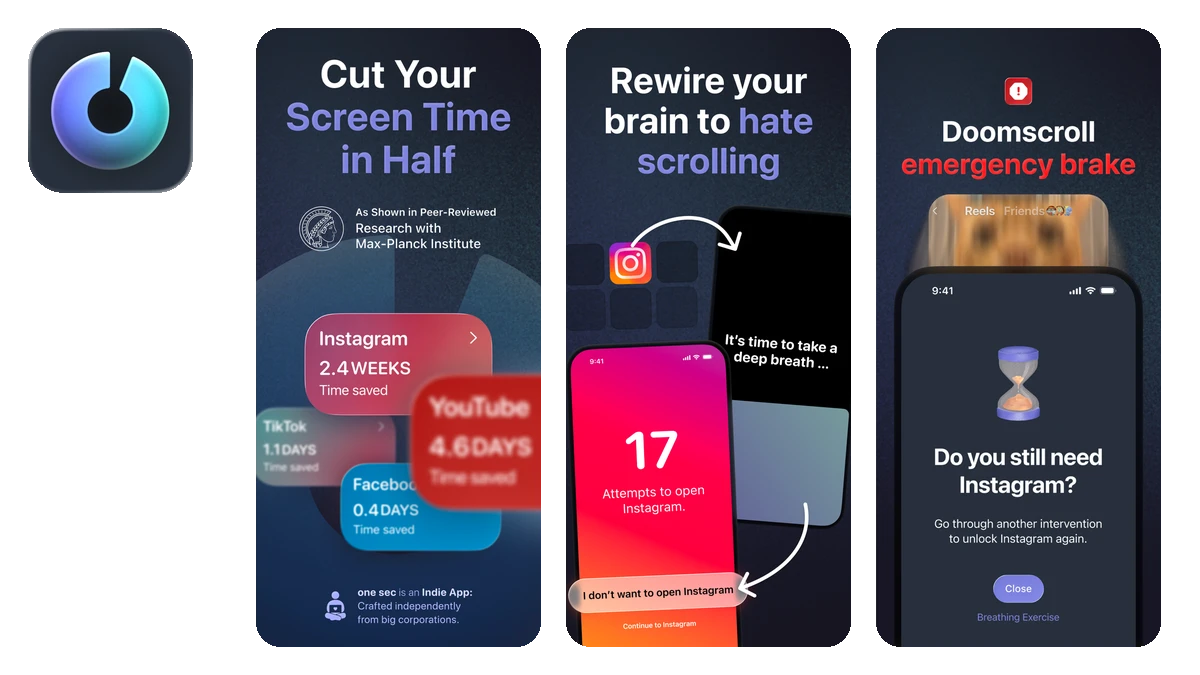
one sec Stopping Social Media Addiction App
one sec is a helpful app for people with ADHD because it helps reduce the temptation and distraction of social media apps.
Benefits:
- one sec makes you take a deep breath before the apps you select can open, which can calm your mind and improve your self-control.
- one sec creates friction that removes instant gratification. It makes distracting apps less appealing. It can increase your productivity and focus.
- one sec helps you break the habit of mindlessly scrolling through social media feeds.
US store rating: 4.8
Has iPad support: yes
Price: Free to download, paid upgrade available
Best for Learning Languages
Lengo
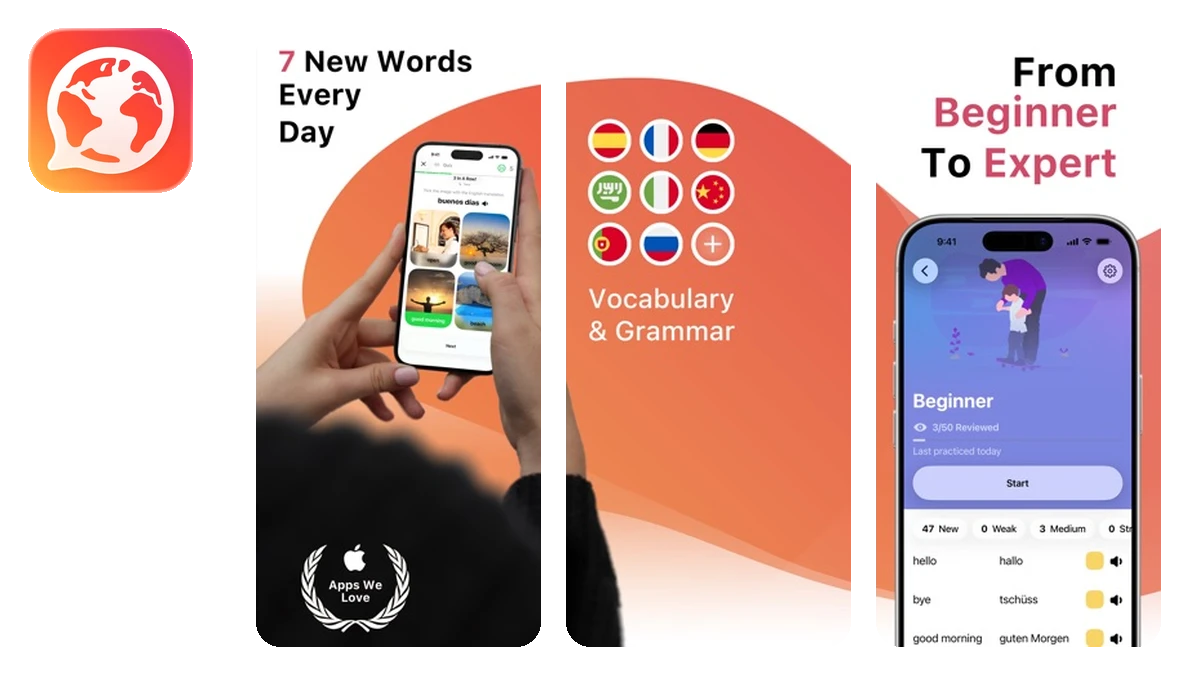
Lengo Learning Languages App
Lengo is a great app for people with ADHD who want to learn a new language or improve their existing skills.
Benefits:
- Lengo offers a variety of languages to choose from.
- You can learn vocabulary and grammar in an easy and fun way, using memory cards and multiple-choice exercises.
- You can practice listening and speaking skills.
- You can test your knowledge.
- Lengo has a simple and user-friendly design that helps you focus on your learning goals.
US store rating: 4.9
Has iPad support: yes
Price: Free to download, paid upgrade available
Which one should you actually install?
A list like this is a menu, not a to-do list. Installing five new apps in one afternoon feels productive, but by Thursday they are all in a folder you never open. Pick the one that attacks your most expensive problem, give it two honest weeks, and only then come back for the next one.
If losing things is that problem, start with why things stop existing once the lid goes on, or skip straight to Itemlist. It is free to start.
FAQ
What is the best app for adults with ADHD?
There's no single best one, because ADHD costs people time in different places. Match the app to your most expensive problem: Structured if your day evaporates, one sec if your phone eats hours, Itemlist if things keep disappearing. The quick-picks section at the top is that shortcut.
Are there free ADHD apps for adults?
Every app on this list is free to download or free to try, and most gate their full feature set behind a paid upgrade. Run the free tier for two weeks before paying for anything; the app you actually open daily reveals itself fast.
Do apps actually help with ADHD?
They're tools, not treatment. What apps do well is act as external memory and external structure: a visual timeline, a forced pause before a distracting app, a searchable record of where things are, so less of your day depends on remembering.
What's the best ADHD app for losing things?
Itemlist is the one I built for this: photograph your stuff, sort it into rooms and containers, and search the app instead of your memory. If losing things constantly sounds familiar, the object permanence post explains what's happening.
How many ADHD apps should I try at once?
One. Installing five in an afternoon feels productive and ends with all five in a forgotten folder by Thursday. Pick the app that attacks your biggest leak, give it two honest weeks, and only then add the next one.